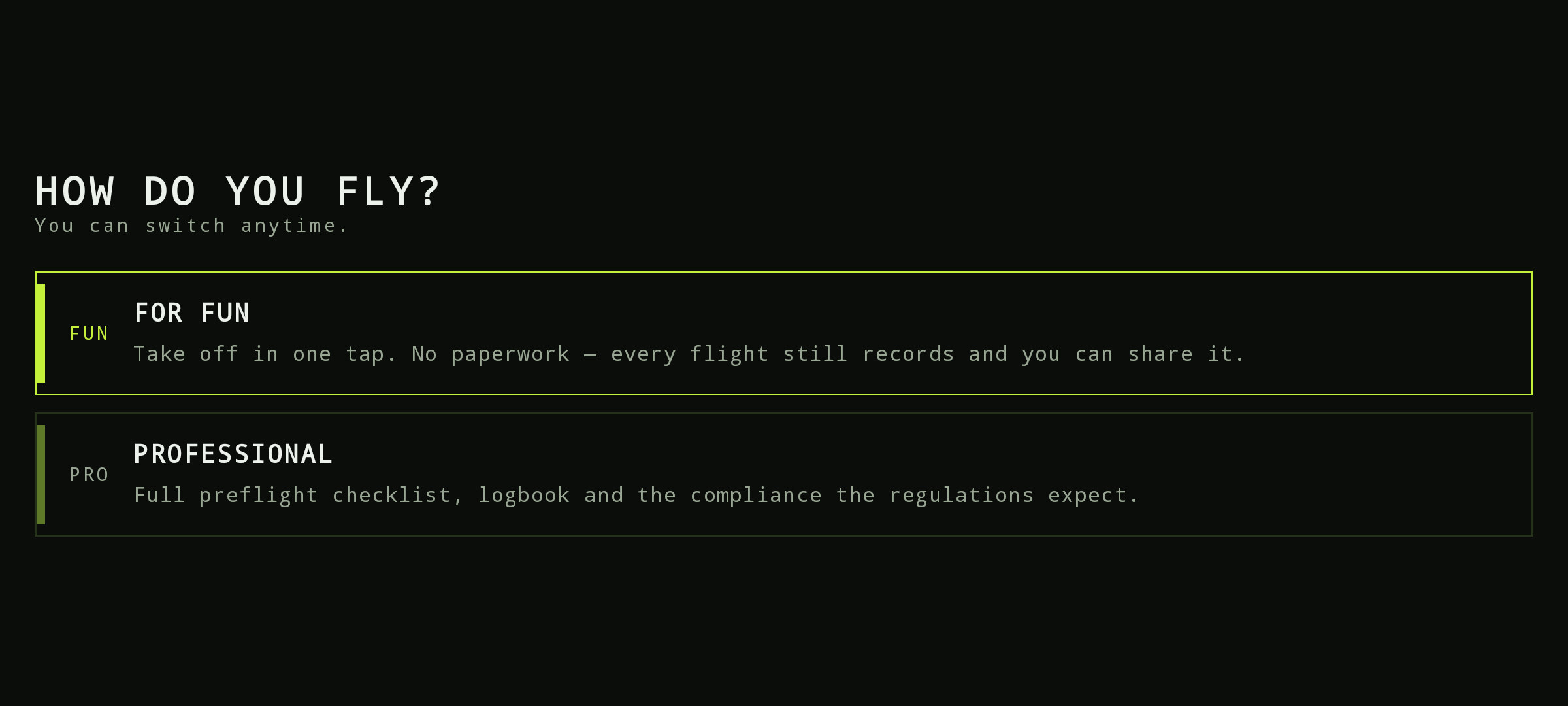
Download and install
Tap the button above on your Android phone. Android asks you to allow installs from this source — expected for apps delivered outside the Play Store.
The field companion: signed mission briefing, preflight checklist and live flight telemetry straight into your logbook. Once a mission is cached it works without signal.
Android 8.0 or newer · built 2026-08-22 · SHA-256 a4af342f2c575131…
The app flies the route itself: take off, virtual-stick guidance along the mission, camera and gimbal, live FPV. Validate everything on the bench first — DJI simulator with props off, including an axis check. Litchi CSV handoff remains available as an alternative.
Tap the button above on your Android phone. Android asks you to allow installs from this source — expected for apps delivered outside the Play Store.
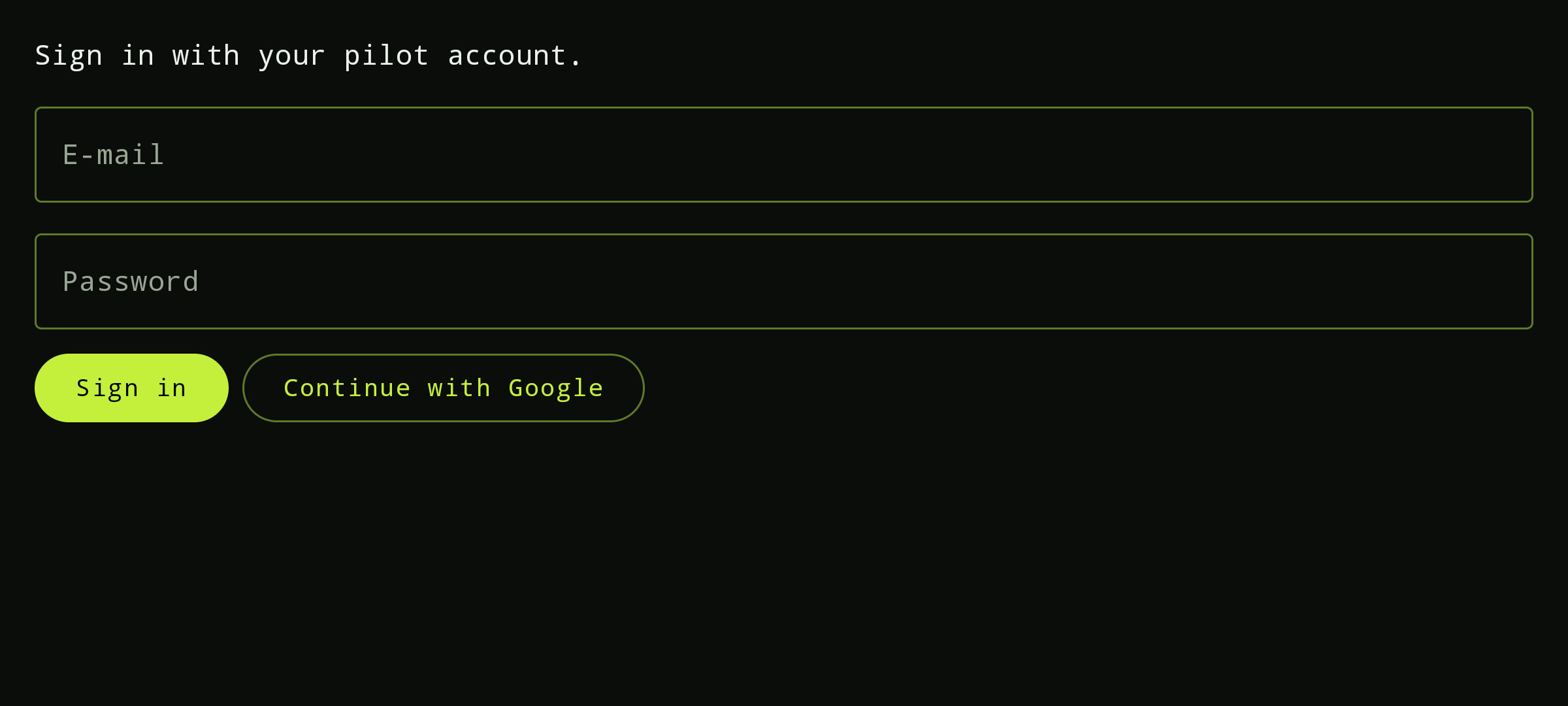
Use the same account as on the web; the session survives restarts. Plug the phone into the DJI controller and power on the aircraft.
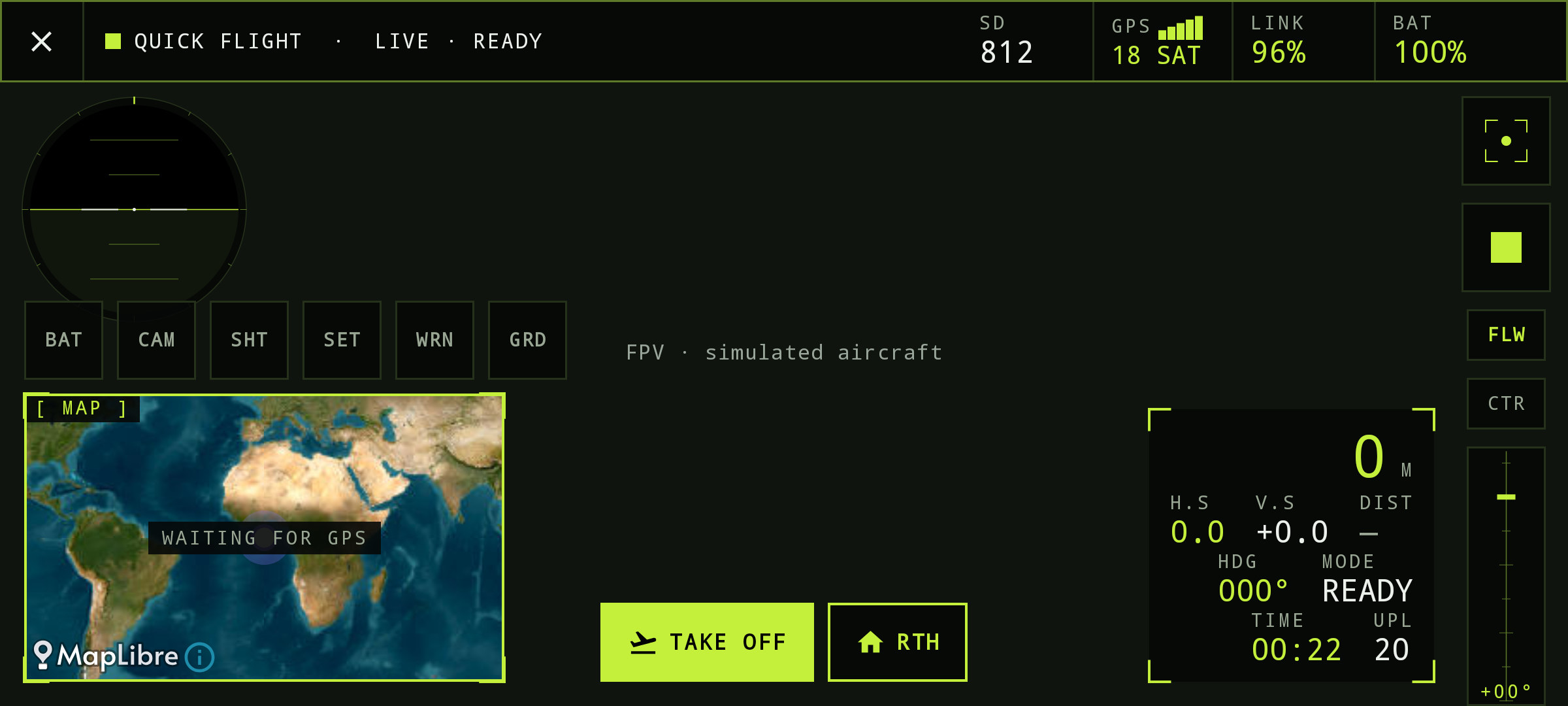
Verify the signed mission package offline, tick the preflight checklist and let the app fly the route — telemetry lands in your logbook and the RC can take over at any moment.